 Dialshade
Clock widgets for iPhone
Your time.
With character.
Clocks that make your Home Screen your own.
Choose a design. Save your look.
Coming to the App Store · iPhone · iOS 18+
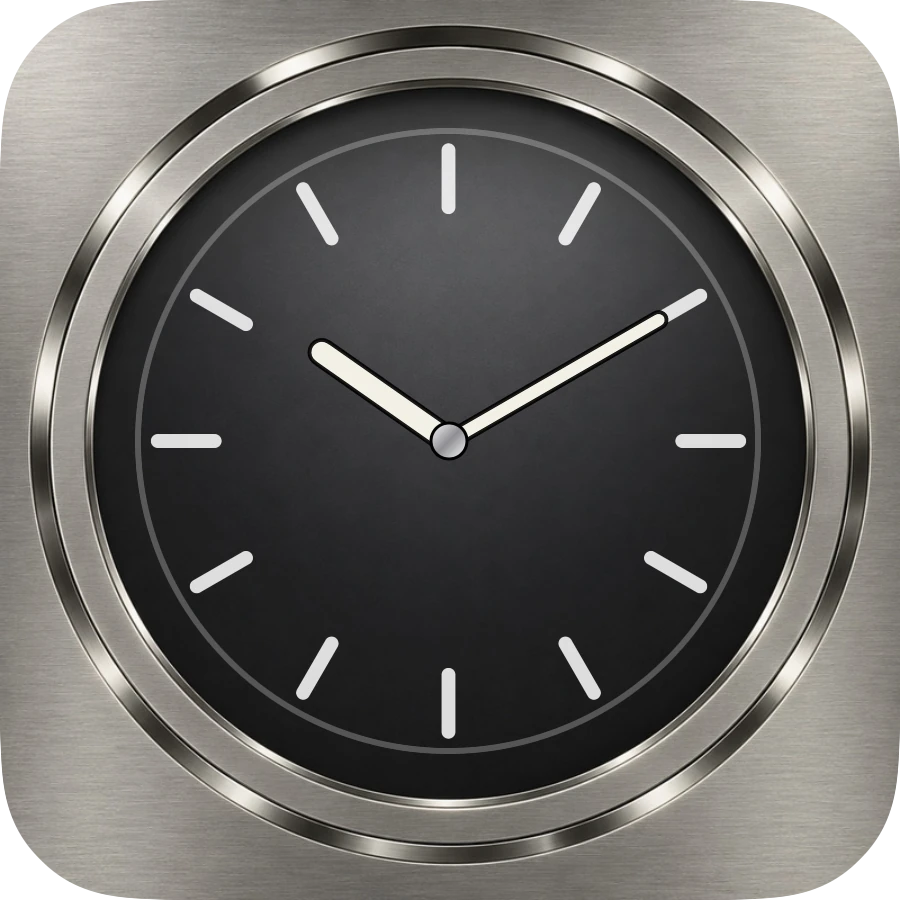

Actual Dialshade designs · Small widget size
Made for your Home Screen
Small widgets.
Entirely your style.
A quiet moment for the time. Just the way you like it.
01 / Your design
A look of your own.
Analog, digital or hybrid. Choose a design and make it fit your Home Screen.
02 / Your widget
Small or Medium.
Save your look and select it in the widget. Each widget can display a different look.
03 / Free & Pro
Start simple.
Five designs for free. More designs with Pro — optionally through a monthly or annual subscription or a one-time purchase, once available in the store.
A few simple steps
Your look.
At a glance.
From your first idea to your Home Screen. No account needed.
How to set up your widgetChoose a design
Find your favourite and make it your own.
Save your look
Give your look a name so it is easy to find.
Add your widget
Select Small or Medium and your saved look.
Need a hand?
Setup, purchases and personal support.